doconv
 The package provides functions for converting ‘Microsoft Word’ or
‘Microsoft PowerPoint’ documents to ‘PDF’ format and also for converting
them to images in the form of thumbnails. A function is also provided to
update all fields and tables of contents of a Word document.
The package provides functions for converting ‘Microsoft Word’ or
‘Microsoft PowerPoint’ documents to ‘PDF’ format and also for converting
them to images in the form of thumbnails. A function is also provided to
update all fields and tables of contents of a Word document.
The package uses ‘Microsoft Word’ or ‘Microsoft PowerPoint’ when
available; otherwise ‘LibreOffice’ can be used as a fallback.
Visual-testing functions for documents are also provided. Formats
‘doc’, ‘docx’, ‘ppt’, ‘pptx’, ‘html’, ‘pdf’ and ‘png’ are supported. The
functions can be used with packages ‘testthat’ and ‘tinytest’.
Important: For faithful rendering, this package
requires ‘Microsoft Word’ and ‘Microsoft PowerPoint’, which are only
available on Windows and macOS.
‘LibreOffice’ works on all platforms (including Linux) but its rendering
of Office documents is often inaccurate (misplaced content, wrong fonts,
broken layouts). Because ‘Microsoft Office’ is licensed desktop
software, this package is best suited for interactive
use rather than CI/CD pipelines or server deployments.

Installation
You can install the latest version from GitHub with:
# install.packages("devtools")
devtools::install_github("ardata-fr/doconv")
Setup
The package requires ‘Microsoft Word’ and ‘Microsoft PowerPoint’. If
they cannot be installed, ‘LibreOffice’ can be used instead; please
visit https://www.libreoffice.org/ and follow the installation
instructions.
Use function check_libreoffice_export() to check that
‘LibreOffice’ is installed and can export to PDF:
check_libreoffice_export()
#> [1] TRUE
When ‘Microsoft Word’ or ‘Microsoft PowerPoint’ are available, the
output looks exactly like the original document. With ‘LibreOffice’, be
aware that the rendering may differ (sections can be misinterpreted, for
example).
Authorization on macOS
If you are running R on macOS, you have to authorize a few things
before starting.
PDF processing takes place in a working directory managed with
function working_directory(). ‘Word’ and ‘PowerPoint’ must
be authorized to write to this directory. These permissions must be set
manually as required by the macOS security policy.
You must click a few buttons:
- Allow R to run ‘AppleScript’ scripts that will control Word.
- Allow Word to write to the working directory.

These are one-time operations.
Usage
Generate thumbnails
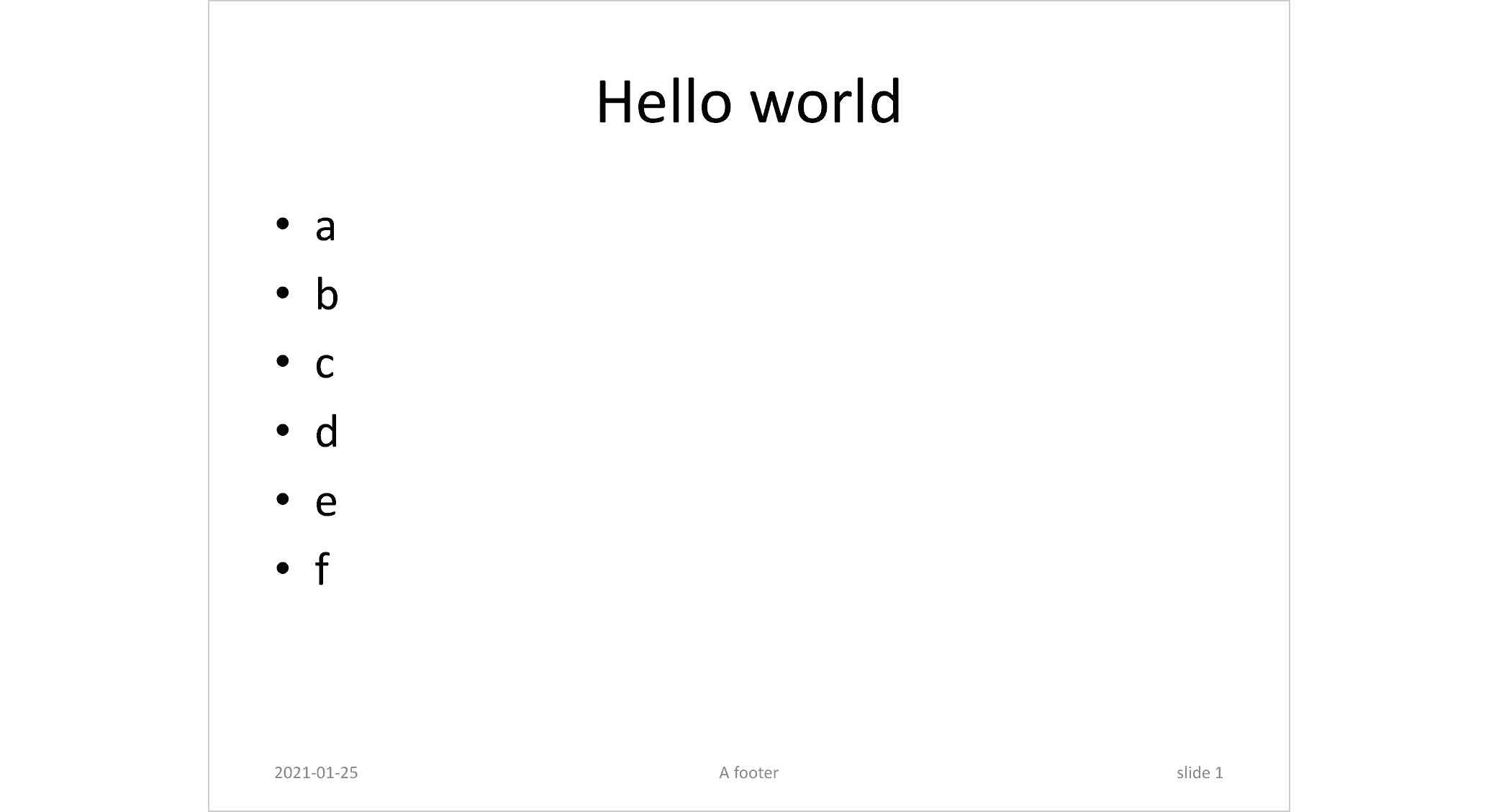
to_miniature() converts a document to an image of
thumbnails:
docx_file <- system.file(package = "doconv", "doc-examples/example.docx")
to_miniature(
  filename = docx_file,
  row = c(1, 1, 2, 2))
Convert to PDF
pptx_file <- system.file(package = "doconv", "doc-examples/example.pptx")
to_pdf(pptx_file, output = "pptx_example.pdf")
to_miniature("pptx_example.pdf", width = 1000)

to_pdf(docx_file, output = "docx_example.pdf")
to_miniature("docx_example.pdf", width = 1000)

Update Word fields and TOC
library(officer)
library(doconv)

read_docx() |>
  body_add_fpar(
    value = fpar(
      run_word_field("DOCPROPERTY \"coco\" \\* MERGEFORMAT"))) |>
  set_doc_properties(coco = "test") |>
  print(target = "output.docx") |>
  docx_update()
- Package docxtractr
provides
convert_to_pdf(), which works very well. The
functionality integrated in Bob Rudis’ package depends only on
‘LibreOffice’.